Loading PremLeaguePass...
Fix Audio Delay & Lip Sync Issues on Firestick IPTV (2026)
2026-01-31T13:00:00.000Z•Global•2 min read
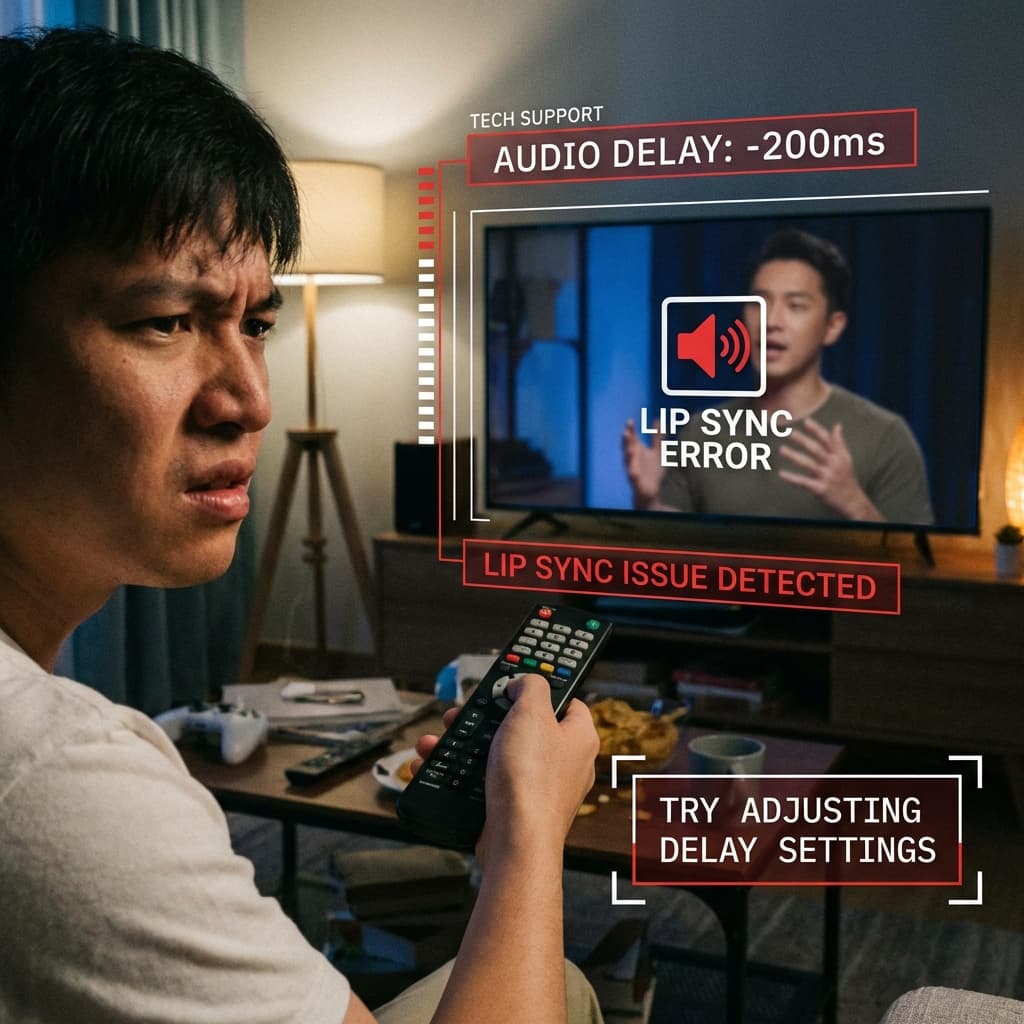
The "Time Travel" Glitch
There is nothing worse than hearing the commentator scream "GOAL!" while the striker hasn't even kicked the ball yet on your screen. Audio desync (lip sync error) is a common annoyance in streaming.
Here is why it happens and how to fix it in seconds.
Why It Happens
Usually, it's a "processing" jam. Your TV takes time to process the video (HDR, motion smoothing, upscaling). Your Soundbar/Speakers process the audio instantly. Result: You hear it before you see it.
Fix 1: The App Sync Adjustment (Easiest)
Most premium IPTV players have a built-in "Audio Offset" feature.
In TiviMate:
- While watching, press "Select" to bring up the overlay.
- Go to Audio (Speaker icon).
- Select Audio Offset.
- Adjust the slider. Usually -200ms to -500ms fixes it.
In VLC:
- Click the settings bubble.
- Select "Audio delay".
- Tap + or - to sync it up live.
Fix 2: Firestick Surround Settings
Sometimes the Firestick tries to force Dolby Digital Plus on a TV that doesn't support it processing-wise, causing lag.
- Go to Firestick Settings -> Display & Sounds.
- Select Audio.
- Select Surround Sound.
- Change it from "Best Available" to "PCM" or "Stereo".
- Restart the Firestick.
PCM is uncompressed stereo. It is faster to process and often eliminates lag instantly.
Fix 3: Turn Off "Game Mode" (Or Turn It On)
Check your TV's picture settings.
- Motion Smoothing (Soap Opera Effect): This adds huge processing delay to the video video. Turn it OFF.
- Game Mode: This removes all video processing to lower latency. Turn it ON if you just want the fastest possible picture sync.
Final Tip: Restart Your Router
Sometimes the stream itself is desynced coming into your house because of a packet pile-up in your router. A classic "turn it off and on again" clears the cache and re-aligns the timestamps.
📖 Related Reading: For the most comprehensive breakdown of every streaming option available in 2026, read our complete Premier League Streaming Guide 2026 — covering pricing, 4K quality comparisons, device setup, and how to watch every match without blackouts.