Loading PremLeaguePass...
Smart TV IPTV Setup Guide 2026: Samsung, LG & Sony Instructions
2026-01-06T12:00:00.000Z•UK•4 min read
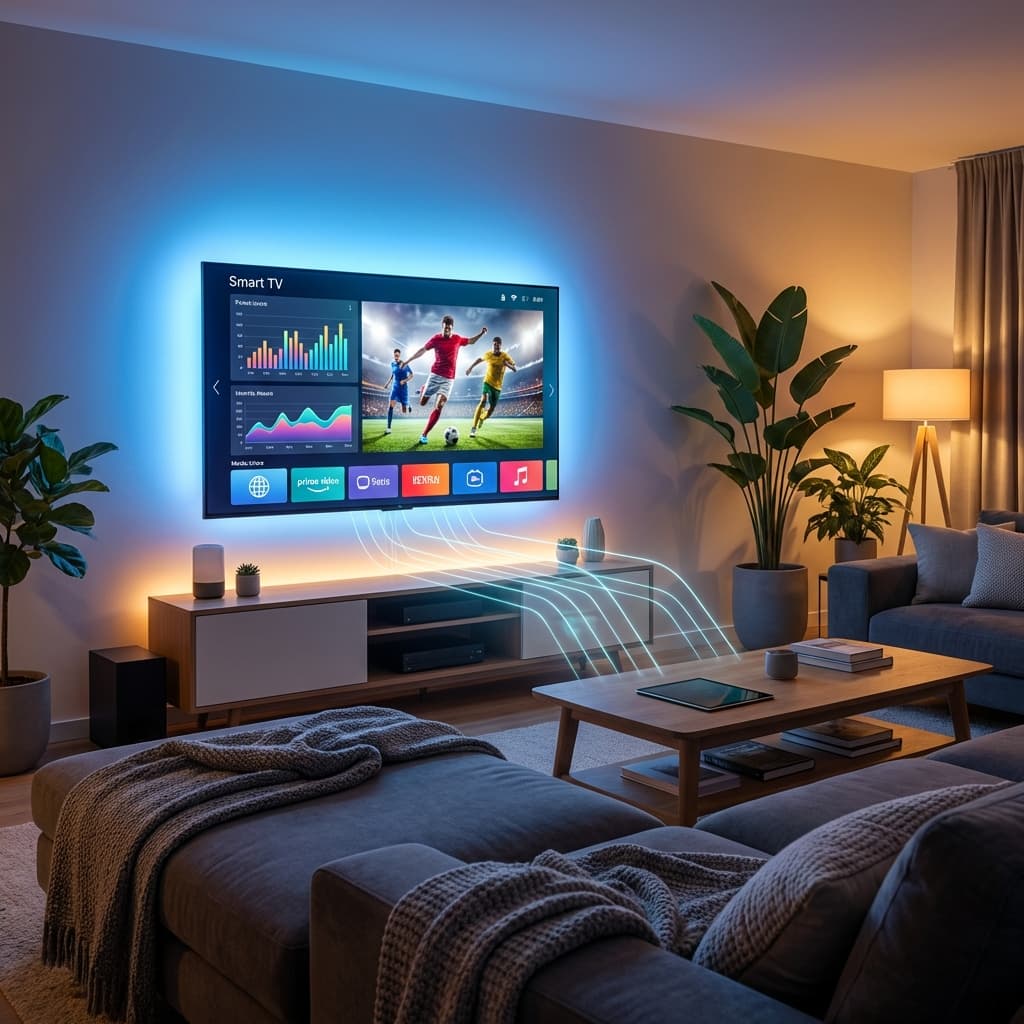
IPTV on Smart TVs: No Extra Device Needed
Modern Smart TVs can run IPTV apps directly, eliminating the need for external streaming devices. If you have a Samsung, LG, or Sony Smart TV from 2020 or newer, you can watch sports in 4K without buying a Firestick or Apple TV.
This guide provides brand-specific setup instructions for the three most popular Smart TV brands in the UK.
Samsung Smart TV Setup (Tizen OS)
Compatible Models
- 2020-2026 models (Tizen 5.5+)
- QLED and Crystal UHD series
- 4K models recommended
Best App: IPTV Smarters Pro
Installation:
- Press Home button on remote
- Navigate to Apps
- Search for "IPTV Smarters Pro"
- Download and install
- Open app and add PremLeaguePass credentials
Alternative Method (Sideloading): If app not in store:
- Download Tizen app file (.wgt)
- Enable Developer Mode on TV
- Use Tizen Studio to sideload
- (Contact support for detailed instructions)
Optimal Settings
- Picture Mode: Movie or Filmmaker Mode
- Motion Smoothing: OFF (for authentic 24/60fps)
- Game Mode: OFF (adds input lag)
- HDR+: ON (if available)
LG Smart TV Setup (webOS)
Compatible Models
- 2020-2026 models (webOS 5.0+)
- OLED and NanoCell series
- 4K models recommended
Best App: SS IPTV
Installation:
- Press Home button on remote
- Open LG Content Store
- Search for "SS IPTV"
- Download and install
- Open app and add M3U playlist URL
Adding PremLeaguePass:
- Open SS IPTV
- Go to Settings
- Select Content
- Add External Playlist
- Enter your M3U URL
- Save and reload
Optimal Settings
- Picture Mode: Cinema or Expert (Dark Room)
- TruMotion: OFF
- OLED Motion: Low or OFF
- Instant Game Response: OFF
Sony Smart TV Setup (Google TV / Android TV)
Compatible Models
- 2020-2026 models (Android TV 9+)
- Bravia XR and X series
- 4K models recommended
Best App: TiviMate or IPTV Smarters Pro
Installation:
- Press Home button on remote
- Open Google Play Store
- Search for "TiviMate" or "IPTV Smarters Pro"
- Download and install
- Open app and add credentials
Setup Process: (Same as Android TV / Firestick - see our TiviMate guide)
Optimal Settings
- Picture Mode: Custom or Cinema
- Motionflow: OFF
- CineMotion: Auto
- HDR Mode: Auto
4K Streaming Requirements
Internet Speed
- Minimum: 25Mbps for 4K
- Recommended: 50Mbps+ for buffer-free experience
- Wired Ethernet: Always better than WiFi
TV Specifications
- HDMI 2.0+: Required for 4K 60fps
- HEVC (H.265) decoder: Required for efficient 4K streaming
- 2GB+ RAM: For smooth app performance
Comparison: Smart TV vs Streaming Device
| Feature | Smart TV App | Firestick 4K | Apple TV 4K | Nvidia Shield | |---------|--------------|--------------|-------------|---------------| | Cost | £0 (built-in) | £60 | £149 | £199 | | Performance | Good | Very Good | Excellent | Excellent | | App Selection | Limited | Good | Excellent | Excellent | | Updates | Slow | Regular | Regular | Regular | | Recommendation | Budget option | Best value | Premium choice | Power users |
Verdict: If you have a 2020+ Smart TV, try the built-in apps first. If performance is lacking, invest in a dedicated streaming device.
Troubleshooting Smart TV IPTV
App Not Available in Store
Solutions:
- Change TV region to UK (Settings > General > System Manager > Location)
- Create new account with UK region
- Use sideloading method
- Contact support for alternative apps
Buffering Issues
Solutions:
- Connect via Ethernet instead of WiFi
- Lower stream quality to 1080p
- Close background apps
- Restart TV
App Crashes
Solutions:
- Clear app cache (Settings > Apps > Manage Apps)
- Update TV firmware
- Reinstall app
- Factory reset TV (last resort)
Beyond IPTV: Smart TV Features
Samsung
- Bixby voice control
- SmartThings integration
- Game Mode (for gaming)
LG
- Magic Remote (point and click)
- ThinQ AI
- Apple AirPlay 2
Sony
- Google Assistant
- Chromecast built-in
- PlayStation integration
Try PremLeaguePass on Your Smart TV
Test our service with a 24-hour free trial:
- Works on all major Smart TV brands
- Full 4K quality
- No extra device needed
Get Started Today
Turn your Smart TV into a sports streaming powerhouse. Join PremLeaguePass today.
📖 Related Reading: For the most comprehensive breakdown of every streaming option available in 2026, read our complete Premier League Streaming Guide 2026 — covering pricing, 4K quality comparisons, device setup, and how to watch every match without blackouts.