Loading PremLeaguePass...
Watch Live Sports on PC: Best Windows IPTV Players Ranked (2026)
2026-01-30T16:00:00.000Z•Global•2 min read
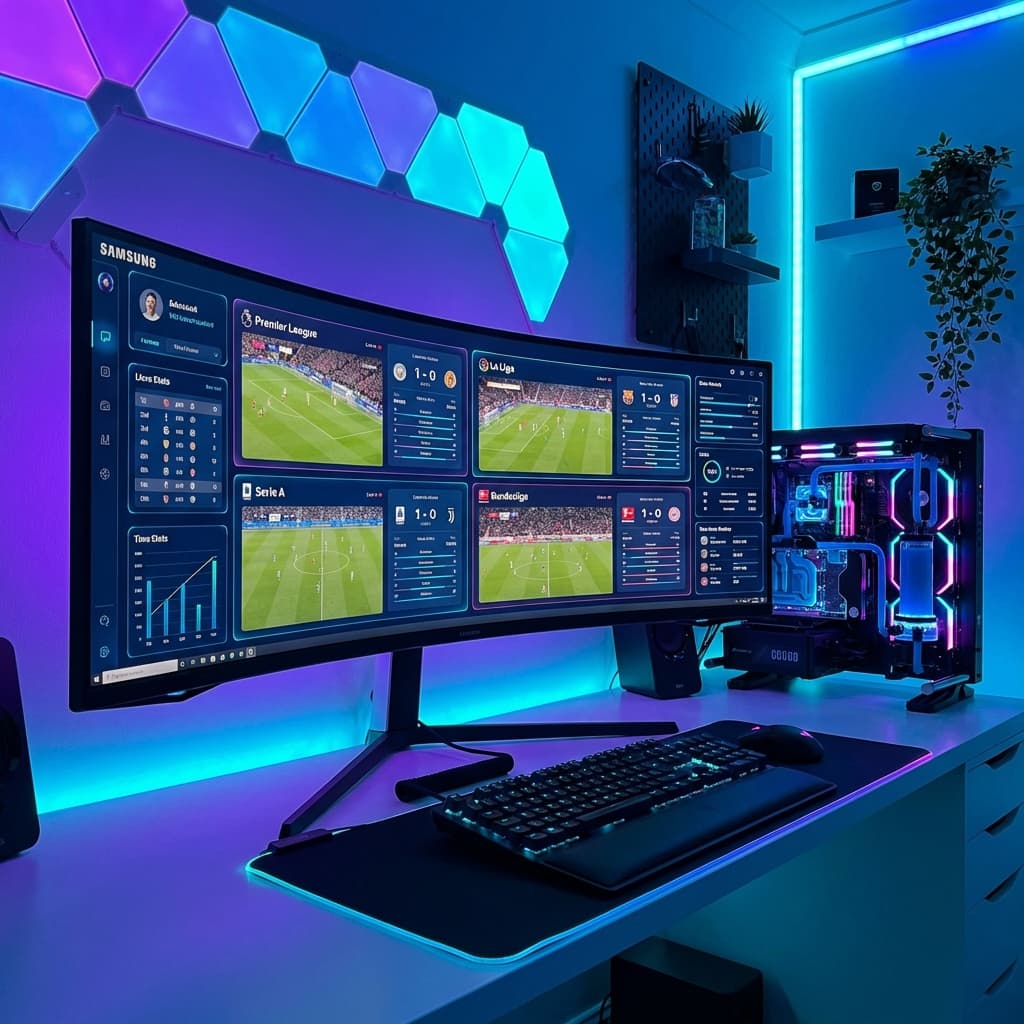
The "Command Center" Setup
Watching sports on a TV is great. But watching on a powerful PC with an Ultrawide monitor? That is God Tier.
PC users have the unique advantage of Multi-View capability. You can easily have 4 windows open:
- Premier League Match 1
- Premier League Match 2
- UFC Prelims
- Formula 1 Qualifying
All happening at the same time. Here are the best ways to achieve this on Windows 10/11.
1. IPTV Smarters Pro (Windows Version)
Just like on mobile, Smarters handles the basics well. It has an official Windows application (.exe) that brings the familiar interface to your desktop.
- Download: Get it from the official IPTV Smarters website.
- Best Feature: It has a built-in Multi-Screen button that splits your view into 1, 2, 3, or 4 screens instantly.
- Verdict: The easiest "All-in-One" solution for most users.
2. VLC Media Player (The Raw Power Method)
VLC is the swiss-army knife of video players. It will play anything you throw at it.
How to use:
- Open VLC.
- Go to
Media->Open Network Stream. - Paste your M3U URL from PremLeaguePass.
- Press Play.
- Press
Ctrl + Lto open the Playlist window and see all channels.
The Pro Trick: You can open multiple instances of VLC.
- Go to VLC Tools -> Preferences.
- Uncheck "Allow only one instance".
- Now launch VLC 4 times.
- Put a different channel on each one.
- Drag them to the 4 corners of your screen.
3. SFVIP Player (The Hidden Gem)
Hardcore IPTV enthusiasts swear by SFVIP Player. It's a lightweight, portable app (no installation needed) that loads extremely fast.
- Pros: Instant channel switching (zapping), very low CPU usage (great for laptops).
- Cons: Hard to find a safe download link (check Reddit/IPTV communities).
Web Player vs. Apps
Don't forget, you can always just use our Web Player directly in Chrome or Edge.
- Link:
http://web.premleaguepass.com(Example) - Pros: No installation, works on work computers where you can't install .exe files.
- Cons: Browser limitations means slightly lower quality than a native app like VLC.
Essential PC Tips for Streaming
1. Hardwire is King
Don't game on Wi-Fi, and don't stream 4K sports on Wi-Fi. Plug in that Ethernet cable for a jitter-free experience.
2. Disable Hardware Acceleration (If Buggy)
If you see green screens or flickering in Chrome:
- Go to Settings -> System.
- Turn OFF "Use graphics acceleration when available".
Build Your Setup Today
Whether you are a data nerd who wants 4 screens or just want to watch the game while you work, PremLeaguePass works perfectly on Windows.
📖 Related Reading: For the most comprehensive breakdown of every streaming option available in 2026, read our complete Premier League Streaming Guide 2026 — covering pricing, 4K quality comparisons, device setup, and how to watch every match without blackouts.