Loading PremLeaguePass...
Transform Your Xbox Series X/S into a Sports Streaming Hub (2026 Guide)
2026-01-30T13:00:00.000Z•Global•3 min read
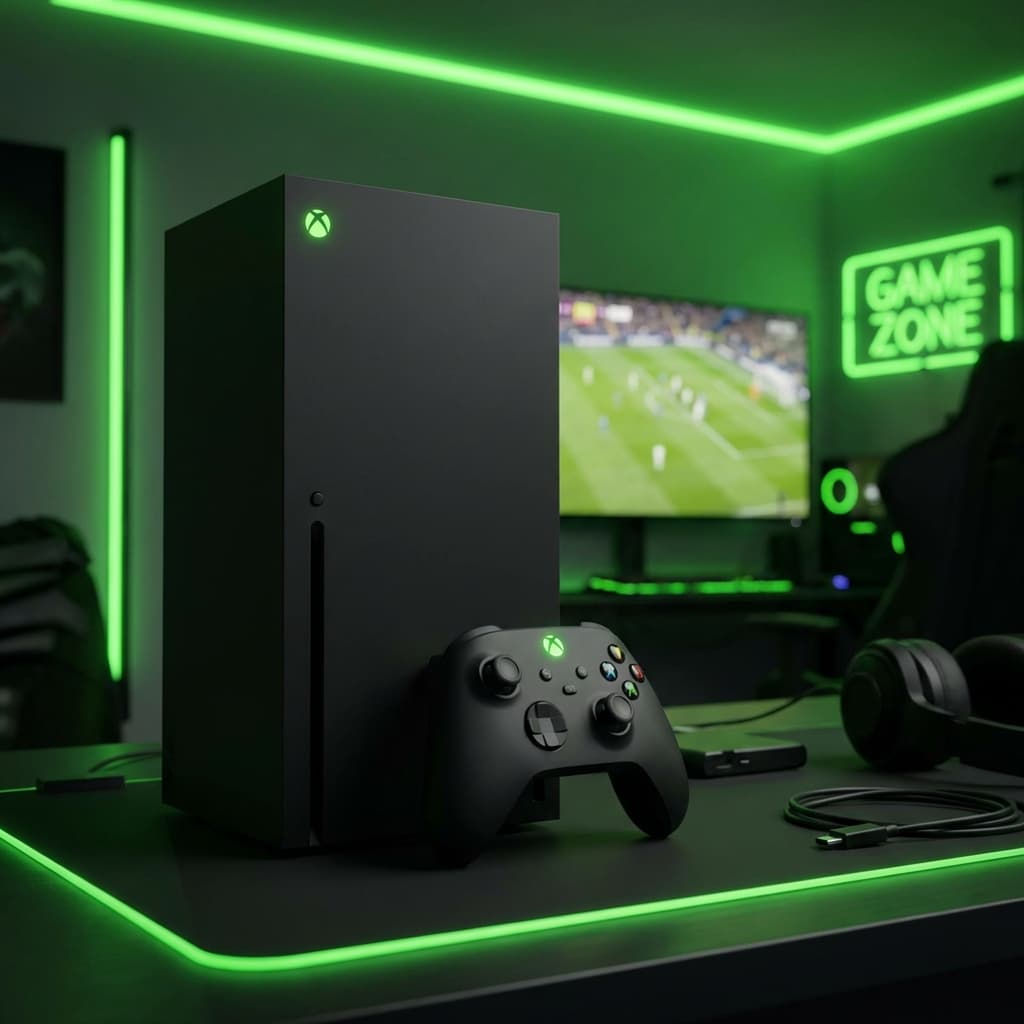
Xbox: The Underrated IPTV Powerhouse
Most people use their Xbox Series X or S strictly for gaming, ignoring the fact that it is a beast of a media player.
With its powerful processor (far faster than any Firestick or Smart TV) and Gigabit Ethernet port, the Xbox is actually one of the best devices for streaming high-bitrate 4K sports without buffering.
There's just one catch: There are no official IPTV apps like TiviMate on the Microsoft Store.
But don't worry. There are two powerful apps that work perfectly.
Method 1: Best Player (MyIPTV Player)
This is the most popular native app for Xbox. It's free (with a Pro version available), lightweight, and handles EPG (TV Guide) well.
Setup Guide
-
Install the App:
- Turn on your Xbox.
- Go to the Microsoft Store.
- Search for "MyIPTV Player".
- Download and install it.
-
Add Your Playlist:
- Open MyIPTV Player.
- Go to Settings -> Add new playlist and EPG source.
- Under "Remote channel list," enter a name (e.g., "PremLeaguePass").
- In the URL field, enter your M3U URL (found in your welcome email).
- Tip: Use the Xbox app on your phone to type the long URL using your phone keyboard!
- Click Add remote list.
-
Add EPG (Optional but Recommended):
- In the same settings menu, look for "program guide (EPG)".
- Enter your EPG URL (also in your welcome email).
- Click Add EPG source.
-
Load and Watch:
- Go back to the main settings page.
- Select your playlist from the dropdown menu and click Refresh.
- Go to the "Channels" tab.
- Pick a category (e.g., "UK Sports") and start watching!
Method 2: The "Kodi" Method (For Advanced Users)
Kodi is officially available on Xbox, and it's a powerhouse.
- Install Kodi from the Microsoft Store.
- Open Kodi and go to Add-ons.
- Select "My add-ons" -> "PVR Clients".
- Select "PVR IPTV Simple Client".
- Click Configure.
- Under "M3U Play List URL," paste your PremLeaguePass M3U link.
- Click OK and then Enable.
- Restart Kodi. You will now see a "TV" tab on the main menu with all your channels.
Advantages of Using Xbox for Sports
1. Hardwired Connection
Gamers know that Wi-Fi is the enemy of speed. Your Xbox likely has an Ethernet cable plugged in. This ensures zero buffering, even on 4K multi-bitrate streams like our Champions League coverage.
2. Processing Power
The Xbox Series X has a 12-teraflop GPU. Processing a 4K 60FPS video stream is absolutely nothing for it. Menu navigation is instant, and channels load in under a second.
3. Audio Support
If you have a surround sound system or a Dolby Atmos setup for gaming, your sports streams will take full advantage of it. Hearing the stadium crowd in 5.1 surround sound changes the experience completely.
The Drawback: Power Consumption
The only downside? The Xbox consumes significantly more electricity (around 40-50 watts while streaming) compared to a Firestick or Apple TV (3-5 watts). If you watch TV for 8 hours a day, this might add up on your bill.
Conclusion
If you already own an Xbox, you don't need to buy a Firestick. MyIPTV Player + PremLeaguePass turns your console into a top-tier sports streaming hub.
- Ready to test your Xbox setup? Get a Free Trial
- Need more connections for your other rooms? Check our Pricing
📖 Related Reading: For the most comprehensive breakdown of every streaming option available in 2026, read our complete Premier League Streaming Guide 2026 — covering pricing, 4K quality comparisons, device setup, and how to watch every match without blackouts.