Loading PremLeaguePass...
Complete Cord Cutting Guide 2026 - Save $1000+ Per Year
2026-04-03•United States•7 min read
In this guide
Complete Cord Cutting Guide 2026 - Save $1000+ Per Year
Over 50 million American households have cut the cord, and that number continues growing as streaming technology improves and cable costs rise. If you're still paying $150+ monthly for cable television, this guide will walk you through everything you need to know to make the switch—step by step.
The True Cost of Cable in 2026
What You're Really Paying
The average American cable bill breaks down as follows:
| Line Item | Monthly Cost | |-----------|-------------| | Base TV Package | $75-$120 | | Premium Channels (HBO, etc.) | $15-$45 | | Sports Package | $10-$20 | | DVR Service | $10-$20 | | Equipment Rental | $15-$25 | | Broadcast Fee | $15-$25 | | Regional Sports Fee | $10-$15 | | Taxes & Other Fees | $10-$20 | | Total | $160-$290 |
Annual Cost: $1,920 - $3,480
The Streaming Alternative
A well-designed streaming setup typically costs:
| Service | Monthly Cost | |---------|-------------| | Primary Streaming (PremLeaguePass) | $XX | | Secondary Streaming (Netflix/Max) | $15-$20 | | Streaming Device (amortized) | $3-$5 | | Total | $40-$80 |
Annual Cost: $480 - $960 Annual Savings: $960 - $2,520
Step-by-Step Cord Cutting Plan
Phase 1: Assessment (Week 1)
Step 1: Audit Your Current Viewing
Before canceling anything, understand your household's viewing habits:
- Track for one week what everyone watches
- List must-have channels vs. nice-to-have
- Note any contract obligations with your cable provider
- Check your internet speed and provider options
Step 2: Evaluate Your Internet
Cord cutting requires solid internet:
Minimum Requirements:
- Speed: 25 Mbps per simultaneous stream
- No data caps (or high caps: 1TB+)
- Reliable connection during peak hours
Run speed tests at different times to verify:
- Morning (9 AM)
- Evening (7-10 PM)
- Weekend peak times
If your internet is bundled with cable, investigate:
- Internet-only pricing
- Alternative ISP options
- Fixed wireless or 5G home internet
Phase 2: Build Your Streaming Setup (Week 2)
Step 3: Choose Your Primary Streaming Service
Your primary service should cover the majority of your viewing needs:
PremLeaguePass is our top recommendation because:
- Comprehensive channel lineup including live TV
- Sports coverage for NFL, NBA, Premier League, and more
- 4K streaming quality across all content
- Reliable service with minimal buffering
- Competitive pricing with no hidden fees
- Multi-device support for the whole family
Other primary options to consider:
- YouTube TV ($72.99/month) - 100+ channels, unlimited DVR
- Hulu + Live TV ($76.99/month) - Combines on-demand + live
- FuboTV ($79.99/month) - Sports-focused, 170+ channels
Step 4: Add Secondary Services
Complement your primary service based on preferences:
For Movie Lovers:
- Max ($19.99/month) - HBO originals + Warner Bros. films
- Criterion Channel ($10.99/month) - Classic cinema
For Families:
- Disney+ Bundle ($19.99/month) - Disney, Pixar, Marvel, Star Wars
- Paramount+ ($11.99/month) - Nickelodeon, CBS content
For Prestige Content:
- Apple TV+ ($9.99/month) - Award-winning originals
- Amazon Prime Video (Included with Prime) - Extensive library
Step 5: Select Your Streaming Hardware
Best Overall: Apple TV 4K ($179)
- Premium experience
- Best for Apple households
- Excellent 4K/HDR quality
- tvOS is intuitive and polished
Best Value: Roku Streaming Stick 4K ($49)
- Platform-agnostic
- Simple interface
- Wide app support
- Frequent sales
Best for Power Users: NVIDIA Shield TV Pro ($199)
- Most powerful streaming device
- Gaming capabilities
- Plex server support
- Upscaling AI technology
Best for Alexa Users: Amazon Fire TV Cube ($139)
- Hands-free control
- Smart home integration
- Excellent for Amazon ecosystem
Phase 3: Free Local Channels (Week 3)
Step 6: Install an OTA Antenna
Don't pay for local channels—get them free in stunning HD:
Choosing an Antenna:
- Check your location: Visit antennaweb.org or rabbitears.info
- Determine signal strength: Most urban/suburban areas have strong signals
- Select appropriate antenna:
| Signal Strength | Recommended Antenna | Cost | |-----------------|---------------------|------| | Strong (Green) | Mohu Leaf Metro | $25 | | Moderate (Yellow) | Winegard FlatWave Amped | $60 | | Weak (Red) | Channel Master CM-4228HD | $100 | | Very Weak | Outdoor antenna + amp | $150+ |
Installation Tips:
- Place antenna near window facing broadcast towers
- Higher placement generally improves reception
- Experiment with positioning during channel scan
- Consider an attic installation for best results
Phase 4: Execute the Switch (Week 4)
Step 7: Set Up Your New System
- Connect streaming device to your TV
- Install all apps for your chosen services
- Configure quality settings for best picture
- Set up profiles for family members
- Test everything thoroughly
Step 8: Return Cable Equipment
Before canceling, prepare:
- List all equipment serial numbers
- Take photos of equipment
- Get written confirmation of equipment list from provider
Cancel Strategy:
- Call retention department (ask for deals if you want)
- Firmly decline counter-offers
- Get confirmation number
- Return equipment immediately
- Get receipt for returned equipment
- Monitor final bill for charges
Phase 5: Optimize and Save (Ongoing)
Step 9: Implement Rotation Strategy
Not all streaming services need to run year-round:
Always Keep:
- PremLeaguePass (comprehensive live TV replacement)
- Your preferred secondary service
Rotate Seasonally:
- Netflix (binge new seasons, cancel, repeat)
- Paramount+ (Star Trek releases, then pause)
- Apple TV+ (when new originals drop)
Rotation Schedule Example:
- Jan-Mar: Netflix + Disney+
- Apr-Jun: Max + Paramount+
- Jul-Sep: Apple TV+ + Netflix
- Oct-Dec: Disney+ + Max
Step 10: Track Your Savings
Create a simple spreadsheet:
| Month | Cable (Old) | Streaming (New) | Savings | |-------|-------------|-----------------|---------| | January | $175 | $65 | $110 | | February | $175 | $65 | $110 | | ... | ... | ... | ... | | Annual | $2,100 | $780 | $1,320 |
Essential Equipment Checklist
Required
- [ ] Streaming device (or smart TV with apps)
- [ ] High-speed internet (50+ Mbps recommended)
- [ ] Modem/router capable of handling streaming
Recommended
- [ ] OTA antenna for local channels
- [ ] Ethernet cable for streaming device (better than Wi-Fi)
- [ ] Universal remote to simplify control
- [ ] Surge protector for equipment
Optional Upgrades
- [ ] Mesh Wi-Fi system for whole-home coverage
- [ ] Soundbar or surround system for better audio
- [ ] Second streaming device for bedroom TV
- [ ] Network switch for wired connections
Troubleshooting Common Issues
Buffering Problems
- Test internet speed during issue
- Connect via ethernet if using Wi-Fi
- Reduce streaming quality temporarily
- Check for network congestion
- Contact ISP if speeds are consistently low
Missing Channels
- Check regional availability
- Consider VPN for geo-restrictions (where legal)
- Look for alternative services carrying content
- OTA antenna for local networks
Family Resistance
- Start with a trial period
- Show the cost savings
- Demonstrate the interface
- Create profiles for everyone
- Highlight features cable lacked (pause, rewind)
Your Annual Savings Breakdown
Conservative Estimate
| Item | Cable Cost | Streaming Cost | Savings | |------|------------|----------------|---------| | TV Service | $1,440 | $480 | $960 | | Equipment | $240 | $60 | $180 | | Fees/Taxes | $300 | $0 | $300 | | Total | $1,980 | $540 | $1,440 |
Typical Estimate
| Item | Cable Cost | Streaming Cost | Savings | |------|------------|----------------|---------| | TV Service | $1,800 | $600 | $1,200 | | Equipment | $240 | $60 | $180 | | Fees/Taxes | $360 | $0 | $360 | | Total | $2,400 | $660 | $1,740 |
Premium Cable vs. Premium Streaming
| Item | Cable Cost | Streaming Cost | Savings | |------|------------|----------------|---------| | TV Service | $2,400 | $840 | $1,560 | | Equipment | $300 | $100 | $200 | | Fees/Taxes | $480 | $0 | $480 | | Total | $3,180 | $940 | $2,240 |
Success Stories
The Johnson Family (Suburban Ohio)
- Previous cable bill: $210/month
- Current streaming setup: PremLeaguePass + Netflix + Disney+ antenna
- New monthly cost: $75/month
- Annual savings: $1,620
- What they did with savings: Family vacation fund
Mike T. (Single, Chicago)
- Previous cable bill: $145/month
- Current streaming setup: PremLeaguePass + rotating services
- New monthly cost: $45/month
- Annual savings: $1,200
- Quote: "I watch more content now and pay a third of the price"
Conclusion
Cutting the cord in 2026 isn't a sacrifice—it's an upgrade. With services like PremLeaguePass providing comprehensive live TV coverage at a fraction of cable prices, combined with specialized streaming services for every interest, you'll likely end up with more content, better picture quality, and significant savings.
The key is planning: assess your needs, build your streaming stack thoughtfully, and execute the transition systematically. Follow this guide, and you'll be enjoying your cord-free life—and your extra $1,000+ per year—before you know it.
Ready to start? Sign up for PremLeaguePass today and take the first step toward cutting the cord.
Related Guides
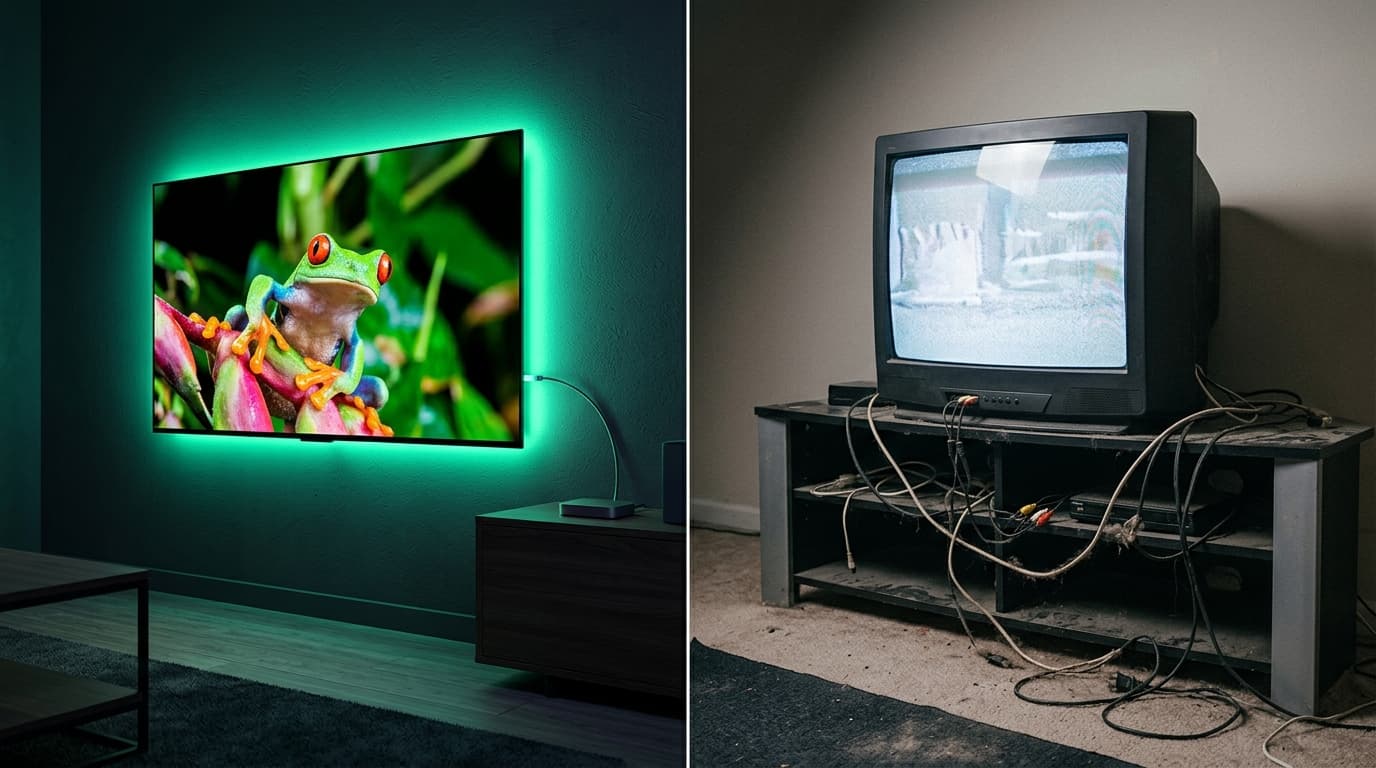
The Ultimate Guide: Streaming vs Cable TV in 2026
Is traditional cable TV finally dead? We compare costs, channel counts, PPV access, and 4K streaming quality between premium streaming and Cable.
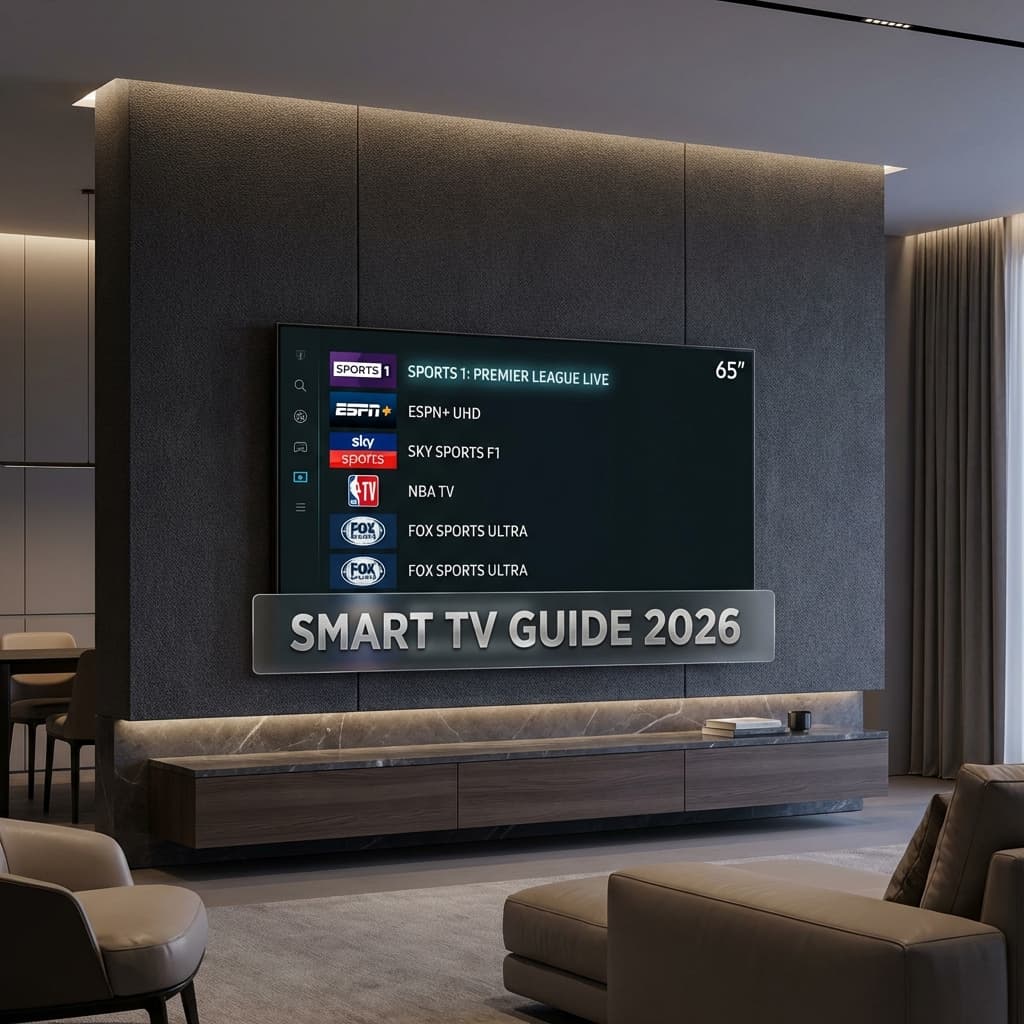
How to Watch Live TV Without Cable in 2026
Cut the cord and save hundreds! Learn how to watch live TV without cable in 2026 with our complete guide to streaming services and setup tips.