Loading PremLeaguePass...
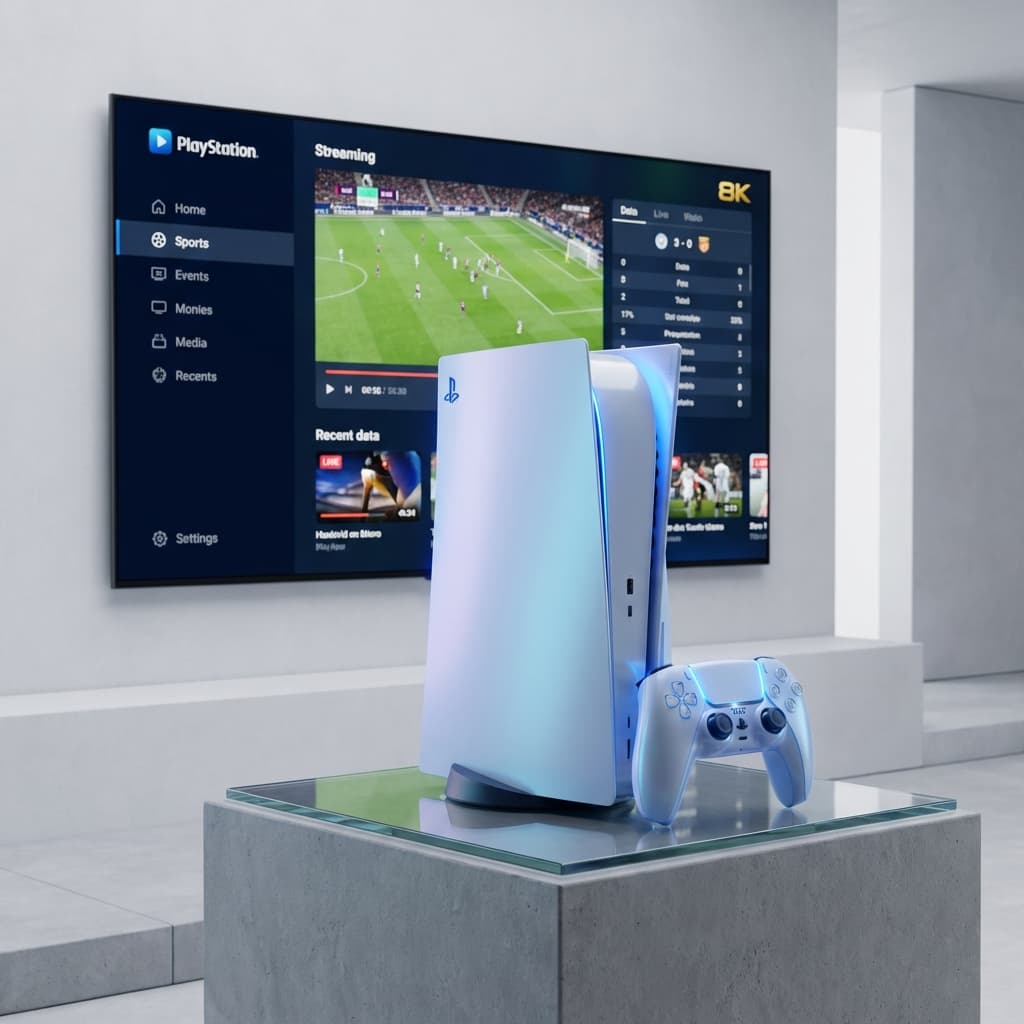
How to Watch Live TV & Sports on PS5 (Hidden Browser Trick)
2026-01-30T14:00:00.000Z•Global•3 min read
In this guide
The "Missing" Web Browser on PS5
Sony made a weird decision with the PlayStation 5: They hid the web browser.
On PS4, the browser was right there in the menu. On PS5, there is no "Internet Browser" app. And since there are no IPTV apps like TiviMate or Smarters on the PlayStation Store either, most people think it's impossible to watch IPTV on PS5.
They are wrong.
There is a hidden browser deep inside the system, and you can use it to launch our Web Player.
How to Access the Secret PS5 Browser
There are two ways to open the browser. The "Message Trick" is the easiest.
The Message Trick
- Turn on your PS5.
- Go to Game Base (press the PS button and look for the party icon).
- Select a friend (or a secondary account you own) to send a message to.
- Type
www.google.cominto the chat box and hit Send. - Usually, this turns into a clickable link. Click the link.
- Boom. You are now in the hidden Google web browser.
Watching PremLeaguePass on PS5
Now that you have the browser open:
- In the Google search bar (or the URL bar if available), type the URL for the PremLeaguePass Web Player.
- Note: Check your welcome email for the direct Web Player link.
- Log in with your Username and Password.
- Important: Once you are logged in, press the Options (Menu) button on your controller and select "Pin to Side" or just leave it open.
- Select a channel (e.g., Sky Sports Premier League) and hit Full Screen.
Does it Work Well?
The Good
- Convenience: No need to switch inputs to a Firestick or cable box.
- Speed: The PS5 loads the web player instantly.
- Quality: The browser supports 1080p and 4K playback natively.
The Bad
- Navigation: Navigating a web player with a DualSense controller feels clunky compared to a TV remote.
- No App Features: You miss out on features like "Multi-View" or "Recording" that you get with TiviMate on Android.
Better Alternative: Plex (Advanced)
If you hate the browser method, there is one "semi-native" way.
Plex is available on the PlayStation Store.
- Install Plex on your PS5.
- Install Plex Media Server on your PC or Laptop.
- Add the xTeve plugin (a proxy that turns IPTV into a "Tuner" for Plex).
- Connect your PremLeaguePass M3U to xTeve.
- Open Plex on PS5 -> Live TV.
Warning: This requires technical skills and a PC running 24/7.
Final Verdict
Can you watch sports on PS5? Yes. Is it the best experience? No.
For occasional watching, the Hidden Browser trick works fine. But if you want to browse 25,000 channels comfortably, save your PS5 for gaming and spend £30 on a Firestick 4K Max.
Want to try the Web Player? Login Here (Requires Subscription) Need a subscription? Get a Get Started
Related Guides

Best IPTV Player Apps 2026: TiviMate vs Smarters vs OTT Navigator
Comprehensive comparison of the best IPTV player apps in 2026. Find out which app is best for your device with detailed feature breakdowns and setup guides.

4K Streaming Quality Comparison - Which Service Has the Best Picture?
Compare 4K streaming quality across top services. We analyze bitrates, HDR support, and picture quality to find the best streaming experience.

Best Netflix Alternatives in 2026 - More Content, Better Prices
Tired of Netflix price hikes? Discover the best Netflix alternatives in 2026 offering more content at better prices. Complete comparison guide inside.