Loading PremLeaguePass...
How to Watch Your Home TV Selection in Hotels & Abroad (2026)
2026-01-31T11:00:00.000Z•Global•2 min read
In this guide
The Holiday Problem
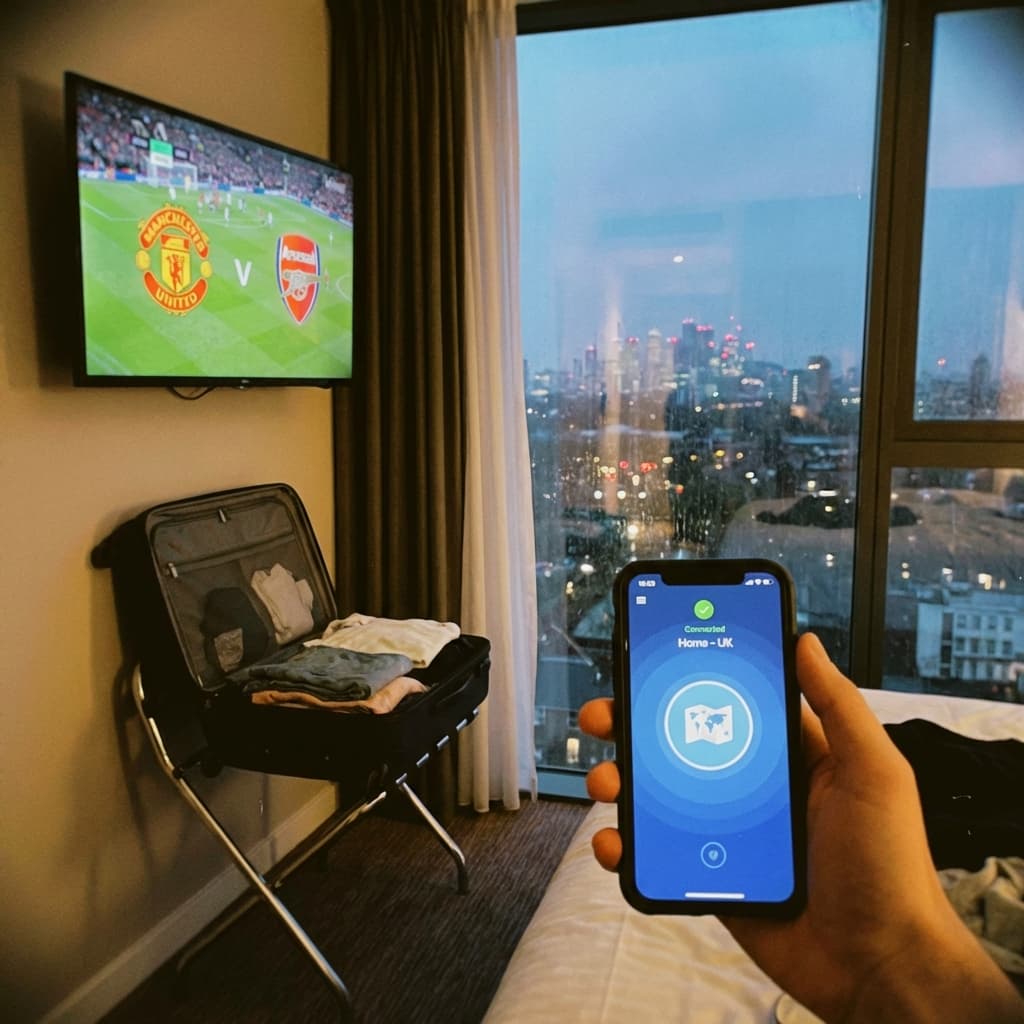
You check into a nice hotel in Spain or Dubai. You turn on the TV. It's CNN, BBC World News, and 50 channels in a language you don't speak. Meanwhile, your team is playing in the Premier League back home.
The Solution: A Travel-Ready Stick
The beauty of PremLeaguePass is that it is not tied to your house. It is tied to your login. This means you can carry a "TV in your pocket."
The Ultimate Travel Setup
- Device: Amazon Firestick 4K (it's tiny).
- Accessory: A short HDMI extender cable (some hotel TVs are mounted tight to the wall).
- VPN: Essential for bypassing hotel Wi-Fi blocks.
Dealing with "Captive Portals"
You know those hotel Wi-Fi login pages where you have to enter your room number? Firesticks hate them.
Workaround 1: The Phone Hotspot (Easiest) Use your phone (with local roaming data) as a hotspot. Connect the Firestick to your phone. Pros: Stable, secure. Cons: Uses data.
Workaround 2: The Firestick Browser If you must use hotel Wi-Fi:
- Connect Firestick to Hotel Wi-Fi.
- It will say "Connected with problems."
- A browser window should pop up automatically to let you log in.
- If not, open the "Silk Browser" app to force the login page.
Geo-Blocking
Some IPTV services lock you to one IP address (ISP lock). PremLeaguePass does not IP lock. You can use it in London on Monday, Paris on Tuesday, and New York on Wednesday.
However, some content (like BBC iPlayer) stays geolocked to the UK. Simply turn on your VPN app on the Firestick, select "UK London," and you are effectively home.
Don't Forget the Remote
Seriously. The number one reason people fail this setup is leaving the remote at home. Pack the Firestick + Remote + Power Cable in a small ziplock bag and keep it in your suitcase permanently.
Related Guides

Best IPTV Player Apps 2026: TiviMate vs Smarters vs OTT Navigator
Comprehensive comparison of the best IPTV player apps in 2026. Find out which app is best for your device with detailed feature breakdowns and setup guides.

4K Streaming Quality Comparison - Which Service Has the Best Picture?
Compare 4K streaming quality across top services. We analyze bitrates, HDR support, and picture quality to find the best streaming experience.
Best Netflix Alternatives in 2026 - More Content, Better Prices
Tired of Netflix price hikes? Discover the best Netflix alternatives in 2026 offering more content at better prices. Complete comparison guide inside.