Loading PremLeaguePass...
How to Use VLC to Watch Live Sports for Free (And Why It Buffers) - 2026
2026-01-31T17:00:00.000Z•Global•2 min read
In this guide
The "Swiss Army Knife" of Players
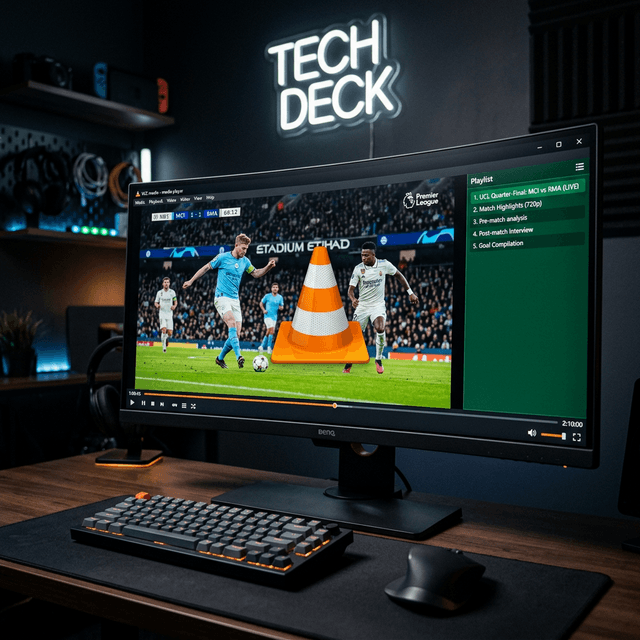
VLC Media Player plays almost any file format you throw at it. It's free, open-source, and available on Windows, Mac, iOS, and Android. And yes, it can play IPTV streams.
How to Setup VLC for Sports
- Open VLC.
- Go to
Media>Open Network Stream(or pressCtrl+N). - Paste your M3U URL from PremLeaguePass.
- Click Play.
- Press
Ctrl+Lto see the playlist of channels.
The Problem: "Looping" or "Skipping"
If your stream plays for 10 seconds and then stops or loops, it's not a server issue. IPTV streams are "Transport Streams" (.ts). VLC is natively designed for local files. When a packet drops in a live stream, VLC panics and tries to reconnect, causing the loop.
The Fix: Increase Network Caching
- Go to
Tools>Preferences. - At the bottom left, select "All" under "Show settings".
- Scroll down to
Input / Codecs. - Scroll down to the bottom right to "Network Caching (ms)".
- Change it from
1000to3000or5000(3-5 seconds). - Click Save.
Why Dedicated Apps Are Better
VLC is a great backup. But it lacks:
- EPG (TV Guide): You just get a list of names, no schedules.
- Categories: It dumps 25,000 channels into one massive list. Good luck finding "Sky Sports F1".
- Catch-up: You can't rewind the game.
Verdict
Use VLC for testing or watching on a work laptop. For your main TV, use TiviMate or Smarters.
Related Guides

Best IPTV Player Apps 2026: TiviMate vs Smarters vs OTT Navigator
Comprehensive comparison of the best IPTV player apps in 2026. Find out which app is best for your device with detailed feature breakdowns and setup guides.

4K Streaming Quality Comparison - Which Service Has the Best Picture?
Compare 4K streaming quality across top services. We analyze bitrates, HDR support, and picture quality to find the best streaming experience.

Best Netflix Alternatives in 2026 - More Content, Better Prices
Tired of Netflix price hikes? Discover the best Netflix alternatives in 2026 offering more content at better prices. Complete comparison guide inside.