Loading PremLeaguePass...
Watch Live Sports on PC: Best Windows IPTV Players Ranked (2026)
2026-01-30T16:00:00.000Z•Global•2 min read
In this guide
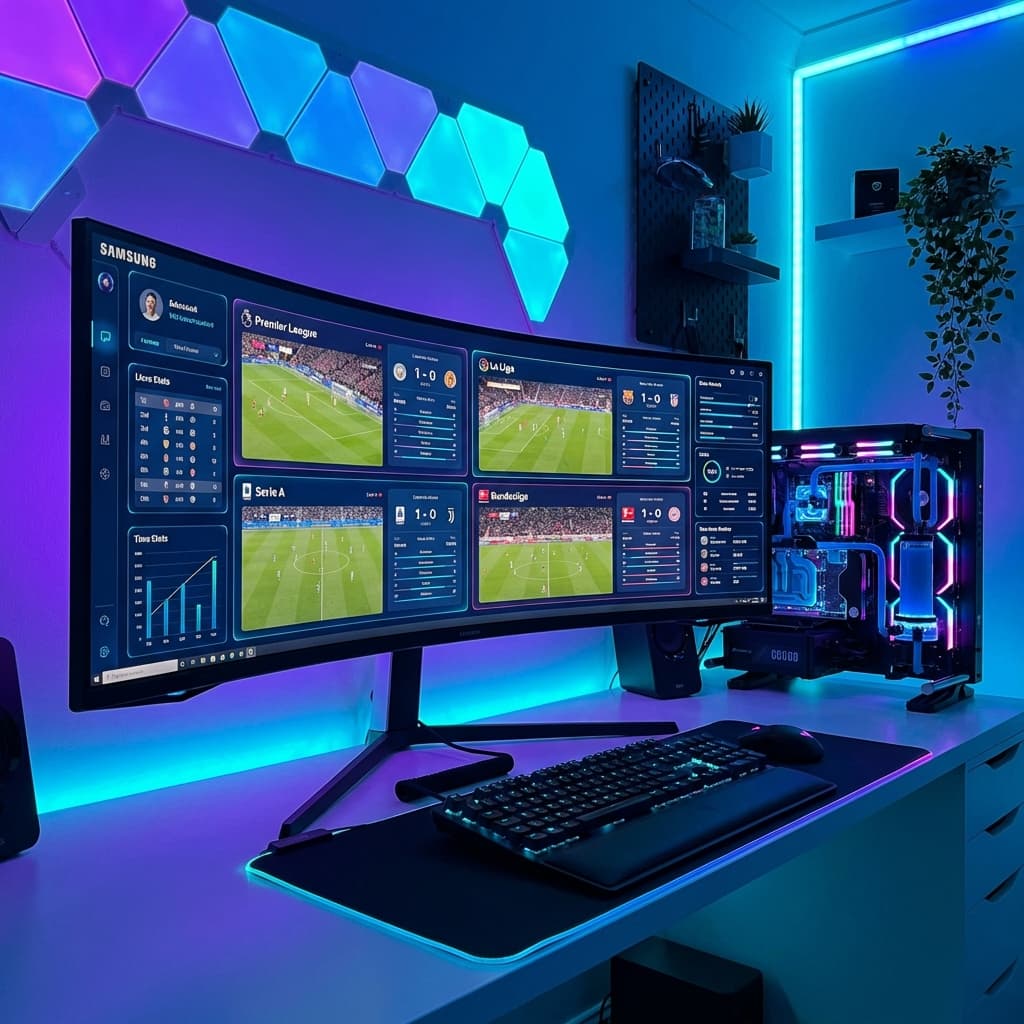
The "Command Center" Setup
Watching sports on a TV is great. But watching on a powerful PC with an Ultrawide monitor? That is God Tier.
PC users have the unique advantage of Multi-View capability. You can easily have 4 windows open:
- Premier League Match 1
- Premier League Match 2
- UFC Prelims
- Formula 1 Qualifying
All happening at the same time. Here are the best ways to achieve this on Windows 10/11.
1. IPTV Smarters Pro (Windows Version)
Just like on mobile, Smarters handles the basics well. It has an official Windows application (.exe) that brings the familiar interface to your desktop.
- Download: Get it from the official IPTV Smarters website.
- Best Feature: It has a built-in Multi-Screen button that splits your view into 1, 2, 3, or 4 screens instantly.
- Verdict: The easiest "All-in-One" solution for most users.
2. VLC Media Player (The Raw Power Method)
VLC is the swiss-army knife of video players. It will play anything you throw at it.
How to use:
- Open VLC.
- Go to
Media->Open Network Stream. - Paste your M3U URL from PremLeaguePass.
- Press Play.
- Press
Ctrl + Lto open the Playlist window and see all channels.
The Pro Trick: You can open multiple instances of VLC.
- Go to VLC Tools -> Preferences.
- Uncheck "Allow only one instance".
- Now launch VLC 4 times.
- Put a different channel on each one.
- Drag them to the 4 corners of your screen.
3. SFVIP Player (The Hidden Gem)
Hardcore IPTV enthusiasts swear by SFVIP Player. It's a lightweight, portable app (no installation needed) that loads extremely fast.
- Pros: Instant channel switching (zapping), very low CPU usage (great for laptops).
- Cons: Hard to find a safe download link (check Reddit/IPTV communities).
Web Player vs. Apps
Don't forget, you can always just use our Web Player directly in Chrome or Edge.
- Link:
http://web.premleaguepass.com(Example) - Pros: No installation, works on work computers where you can't install .exe files.
- Cons: Browser limitations means slightly lower quality than a native app like VLC.
Essential PC Tips for Streaming
1. Hardwire is King
Don't game on Wi-Fi, and don't stream 4K sports on Wi-Fi. Plug in that Ethernet cable for a jitter-free experience.
2. Disable Hardware Acceleration (If Buggy)
If you see green screens or flickering in Chrome:
- Go to Settings -> System.
- Turn OFF "Use graphics acceleration when available".
Build Your Setup Today
Whether you are a data nerd who wants 4 screens or just want to watch the game while you work, PremLeaguePass works perfectly on Windows.
Related Guides

Best IPTV Player Apps 2026: TiviMate vs Smarters vs OTT Navigator
Comprehensive comparison of the best IPTV player apps in 2026. Find out which app is best for your device with detailed feature breakdowns and setup guides.

4K Streaming Quality Comparison - Which Service Has the Best Picture?
Compare 4K streaming quality across top services. We analyze bitrates, HDR support, and picture quality to find the best streaming experience.

Best Netflix Alternatives in 2026 - More Content, Better Prices
Tired of Netflix price hikes? Discover the best Netflix alternatives in 2026 offering more content at better prices. Complete comparison guide inside.